Windows 10 Update Assistant
Windows 10 Update Assistant is a free Microsoft tool that updates a Windows 10 PC to the latest feature update without waiting for Windows Update.
3.2 MB

Caffeine is a tiny free Windows utility from Zhorn Software that keeps your computer awake and stops the screen from locking or sleeping.
Average 0.0 · ratings: 0
Thank you! Your rating is saved; you can change it. Could not save the rating. Please try again later. Too many ratings from your network today. Please try again tomorrow. The average appears after 5 ratings.
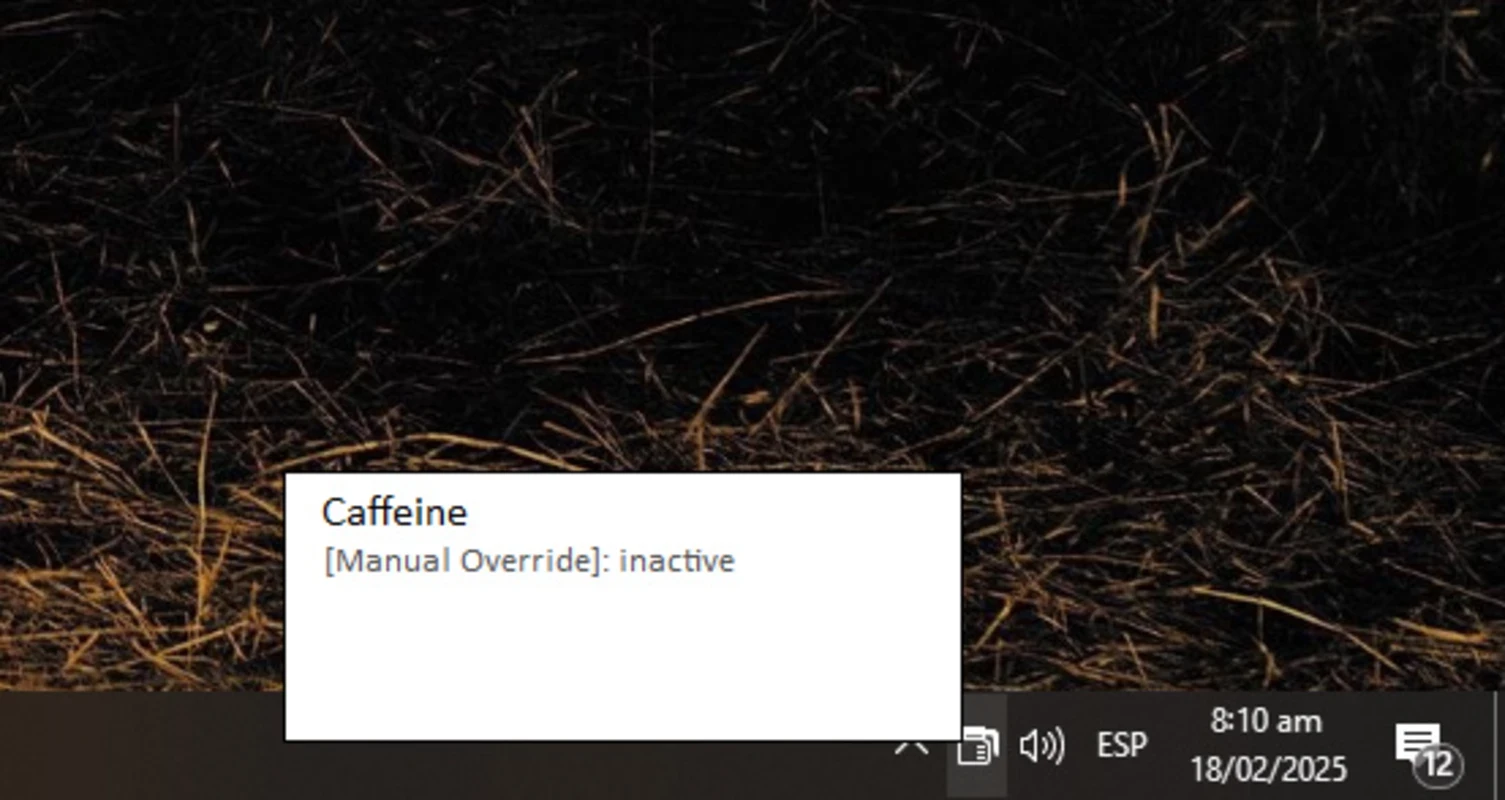
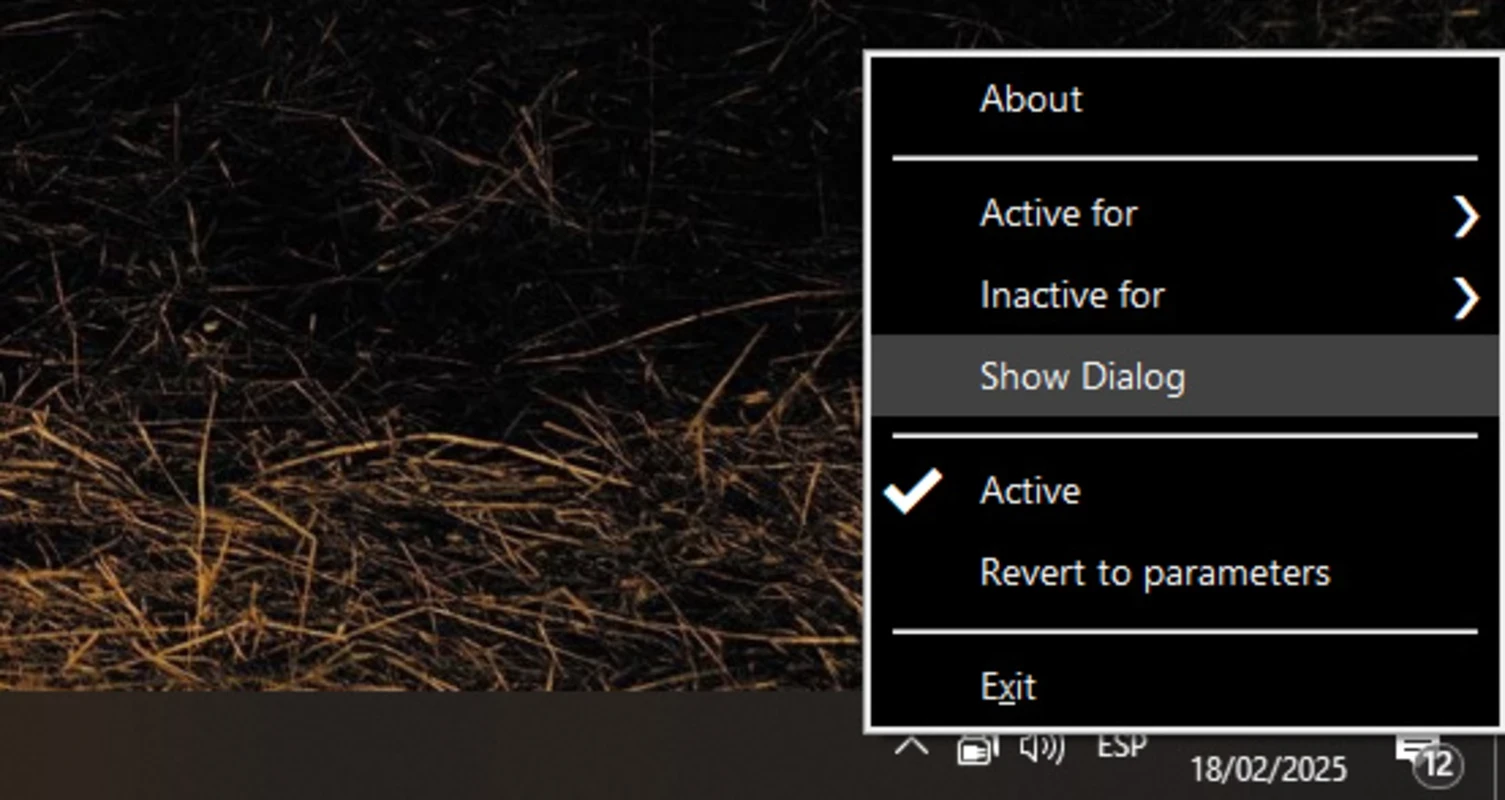

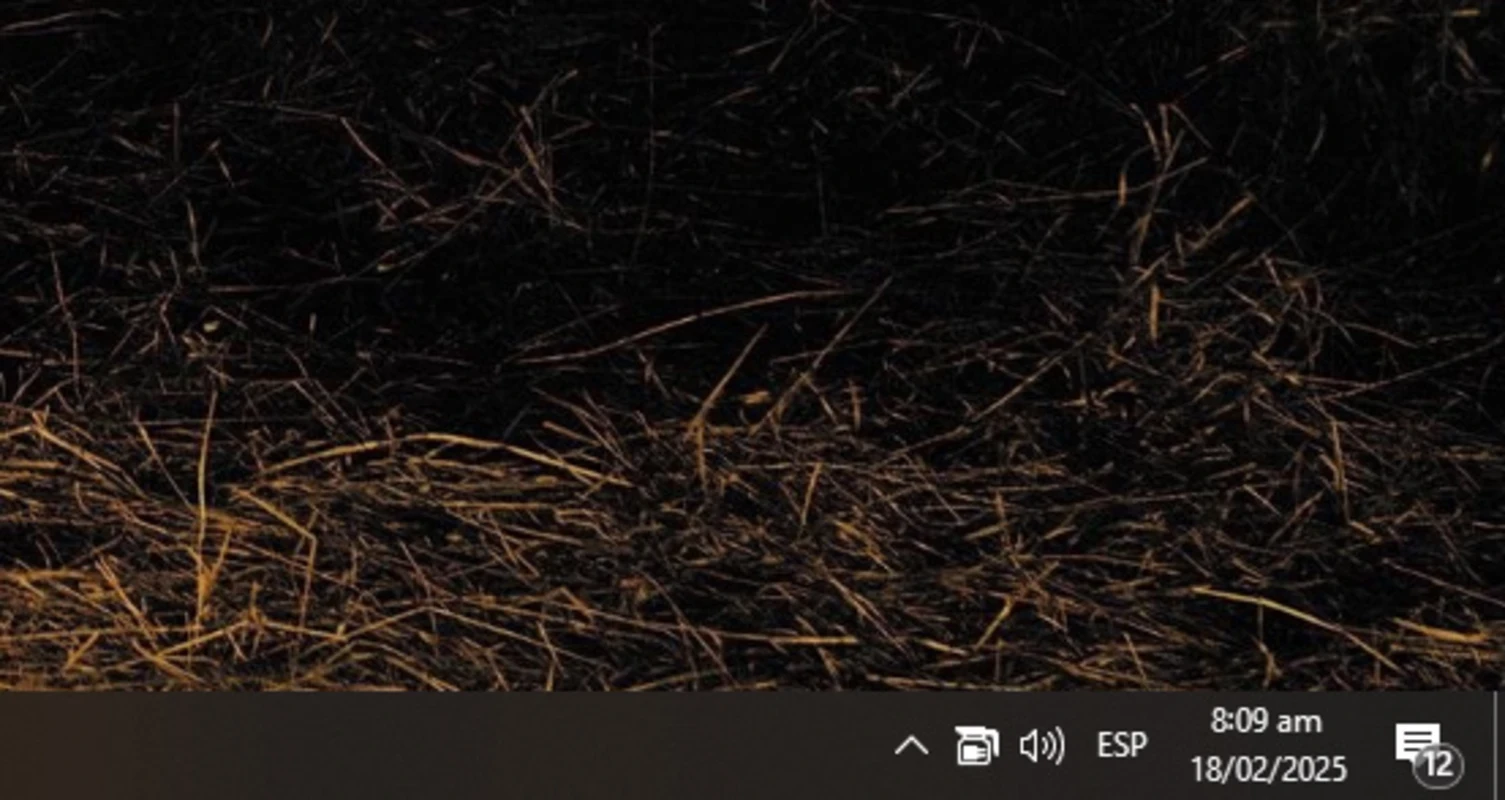
Caffeine 1.98 is a tiny free utility from Zhorn Software that keeps a Windows PC awake. While it runs, the computer does not switch to sleep, turn off the screen or show the screensaver, and you can download Caffeine for Windows from the official Zhorn Software website.
Windows saves energy by dimming the screen, locking the session and eventually putting the computer to sleep when nobody touches the keyboard or mouse. Usually that is useful, but sometimes it gets in the way: a long download stops when the PC falls asleep, a presentation goes dark in the middle of a meeting, a remote session drops, or a monitoring dashboard on a wall screen keeps disappearing. Caffeine solves this by making Windows believe that someone is still working at the computer. It sits in the notification area as a small icon, and you can turn it on or off with a click. That is simpler than changing power settings back and forth, especially on a work laptop where you may not have permission to change them.
Caffeine is a small program, about 306 KB, and it only prevents the idle timeout. Download it from zhornsoftware.co.uk and not from portals that wrap small tools in their own installers. Keep in mind the side effects: an unlocked PC that never sleeps is a security risk in an office, so lock the screen manually when you walk away, and on a laptop the battery will drain faster.
Some companies have rules about screen locking for good reasons. If your employer manages the computer, check the IT policy before using tools that keep it awake, and never use such a tool to appear online when you are not working.
Yes, Caffeine is freeware.
Make sure Caffeine is running and not paused, and start it again after a reboot; you can add it to the Windows startup folder if you need it all the time. Some company policies override local settings; in that case talk to your administrator.
Other small tweaking tools in our listings: Mem Reduct for memory, Timer Resolution and TCP Optimizer; for automated clicks, GS Auto Clicker.
Windows 10 Update Assistant is a free Microsoft tool that updates a Windows 10 PC to the latest feature update without waiting for Windows Update.

Mem Reduct is a tiny open-source Windows utility by Henry++ that shows memory usage in the tray and frees RAM on demand or automatically.

Advanced SystemCare Free is a Windows optimisation suite from IObit that cleans junk files, manages startup items and monitors resource use.

MSI Kombustor is a free graphics card stress test and benchmark from MSI, used together with MSI Afterburner to check stability.

GS Auto Clicker is a tiny free Windows program from goldensoft that clicks the mouse automatically at a set interval, started and stopped with a hotkey.

CCleaner is Piriform's utility suite for removing temporary files and cleaning up Windows. The free edition covers basic cleaning.

Custom Resolution Utility (CRU) is a tiny free Windows tool by ToastyX for adding custom resolutions and refresh rates to monitors.

NZXT CAM is NZXT's free Windows app for its PC hardware, used to keep an eye on the computer and manage compatible NZXT components.